Using the FWC App Without Cell Service
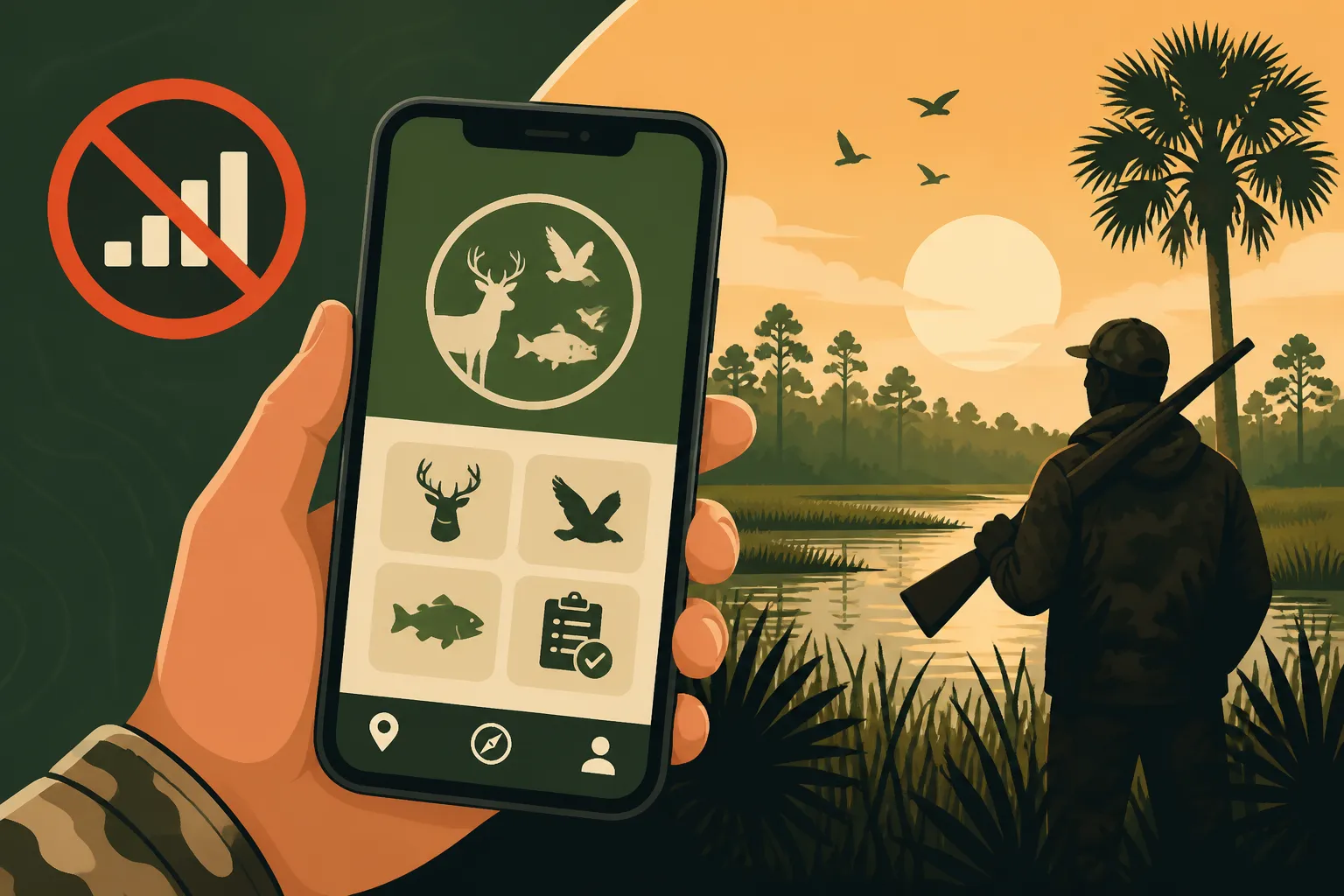
There's nothing quite like the feeling of deep woods serenity, miles from the nearest paved road, where the sounds of civilization fade into the rustle of palmettos and the whisper of the wind through pine needles. It's a feeling every Florida hunter cherishes, until that familiar "no service" icon pops up on their phone. Suddenly, that sense of freedom can turn into a nagging worry: Am I still in the right WMA? What's the bag limit again for this specific zone? This guide is all about overcoming that digital disconnect, showing you how to harness the power of the FWC Fish and Wildlife Rulings app, even when your cell phone decides to become an expensive paperweight.
The Frustration of Signal Loss in the Florida Wilderness
We've all been there. You're deep in the Ocala National Forest, miles from any cell tower, following a promising deer trail. You pull out your phone to double-check the WMA boundary, or perhaps a specific regulation for a limited-entry hunt, and boom – no bars. It’s frustrating, and frankly, it can be a little unnerving, especially if you're navigating unfamiliar territory or need to confirm legalities on the fly. Florida's vast, wild landscapes are part of its allure, but they also present unique challenges for staying connected.
Why Cell Service is Unreliable in Hunting Areas
The Florida wilderness, particularly in our expansive public hunting lands, isn't exactly engineered for robust cell service. Think about it: you've got thick, dense canopies of live oaks, towering longleaf pines, and impenetrable palmetto scrub stretching for miles. These natural barriers are fantastic for wildlife habitat and keeping human impact low, but they wreak havoc on cellular signals. Remote areas, far from population centers, simply don't have the infrastructure—those tall, signal-emitting towers—to provide consistent coverage. You might get a bar or two on a ridge in the Panhandle, but drop into a cypress slough, and your phone becomes an expensive camera. This isn't just an inconvenience; it can pose real safety concerns if you're alone and need assistance, or legal risks if you accidentally cross a boundary without realizing it. Imagining yourself needing to check a specific hunting regulation for Florida Deer Reporting Requirements but being completely offline is a nightmare many hunters have faced.
The Importance of Offline Access for Hunters
Having access to critical information offline isn't just a luxury; it's a necessity for responsible and successful hunting in Florida. Firstly, there's the safety aspect. Knowing your exact location on a map, even without a live data connection, can literally be a lifesaver if you get disoriented, especially as dusk settles in a dense swamp. Secondly, compliance with FWC regulations is paramount. Florida's hunting rules can be incredibly specific, varying not just by species, but by zone, WMA, and even particular hunt dates. Imagine being on a special quota hunt and needing to confirm the legal antler points for your zone, or checking the legal method of take. Without offline access, you're either guessing (which is risky) or hiking out to find a signal (which wastes valuable hunting time). The FWC app, when properly prepared, can give you that peace of mind, allowing you to access these details at your fingertips, regardless of your signal strength. It's about being prepared and being able to make informed decisions in the field, ensuring a legal and safe hunt every time.
Preparing Your FWC App for the Backcountry
Don't wait until you're deep in the woods to discover your app is useless! The key to making the FWC Fish and Wildlife Rulings app work for you in areas without cell service is proactive preparation. This isn't just about downloading the app; it's about optimizing it to be your reliable digital hunting companion. Think of it like packing your backpack: you wouldn't head out without checking your gear first, right? The same goes for your digital tools.
Downloading Crucial Information Offline
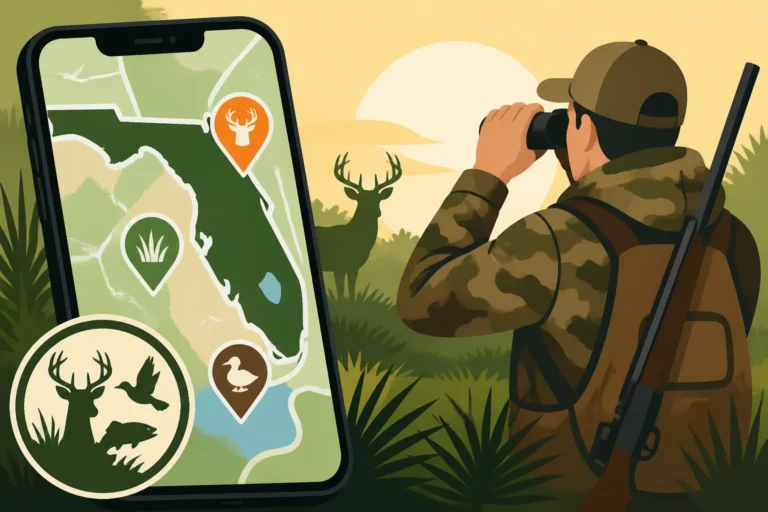
The FWC app is much more than a live data feed; it's a repository of static information that you can save to your device. Before you even leave the driveway, make sure you've gone into the app and downloaded all the relevant documents for your planned hunt. This includes the current Florida hunting regulations handbook, which is an absolute must-have. Beyond that, many WMAs have specific regulations and maps that are critical to understanding where you can hunt, what you can harvest, and when. Navigate to the "WMAs" section, find the area you'll be hunting, and look for options to download or save the area-specific regulations and maps. These often come as PDF files, which, once downloaded, live on your phone's storage and can be opened without any internet connection. It’s a simple step, but it’s easy to forget in the excitement of an upcoming hunt. Making sure you have Scouting With the Florida FWC App properly configured with downloaded maps can save you from a major headache.
Here's a quick checklist for what to download:
| Information Type | Importance Offline | Where to Find in App (General) | Notes |
|---|---|---|---|
| Statewide Regulations | Critical | "Regulations" Tab | Covers general rules, season dates, bag limits, licensing info. |
| WMA Specific Regulations | Critical | "WMAs" Tab -> Select WMA | Crucial for quota hunt rules, special weapons, area-specific dates. |
| WMA Maps (PDF/Image) | High | "WMAs" Tab -> Select WMA | Essential for navigating boundaries, access points, and no-hunting zones. |
| Hunting Zone Info | High | "Zones" or "Deer" Tab | Confirm specific dates and rules for your particular Florida's Four Deer Management Zones Explained. |
| Harvest Reporting Info | Medium | "Harvest Reporting" (Instructions) | Though actual reporting requires service, instructions are helpful. |
By taking the time to download these documents, you're essentially carrying a digital library of all the rules and maps you'll need, accessible even in the most remote corners of our state.
Maximizing Battery Life and Device Reliability
Having all the info downloaded is great, but it's useless if your phone dies! Florida's heat and humidity can also be tough on electronics. Maximizing your battery life and ensuring your device holds up is just as crucial as downloading the data. First, enable low power mode on your phone before you head out. Better yet, once you're in the field and away from signal, switch to airplane mode. This prevents your phone from constantly searching for a signal, which is a huge battery drain. You can still access your downloaded files and use the phone's GPS functions in airplane mode.
Consider investing in a good quality portable power bank. A fully charged power bank can give your phone several full charges, ensuring it stays alive for multi-day hunts. Keep your phone protected from the elements – a waterproof case is a smart investment, especially when you're traversing wet landscapes like the Everglades or a cypress slough. Extreme temperatures, both hot and cold, can drain batteries faster and damage internal components, so keep your phone in a protective pouch or inside your pack when not actively using it. A dead phone is more than just an inconvenience; it's a lost tool.
Practical Application of the FWC App Offline
Once you've done your homework and prepped your FWC app, it transforms from a data-hungry gadget into a powerful, self-contained resource for your hunt. The beauty of it is, with the right information downloaded, you can use it just like a physical map and rulebook, but with the added convenience of search functions and zoom capabilities, all without needing a single bar of service.
Navigating WMA Boundaries and Regulations
One of the biggest anxieties for public land hunters is staying within legal boundaries, especially in vast and complex areas like the Green Swamp or Apalachicola National Forest. With WMA maps downloaded to your FWC app, your phone's internal GPS receiver can still show your location on those maps, even without cell service. While it won't be as detailed as a live mapping app, it provides a crucial reference. You can see your little blue dot moving on the pre-downloaded WMA boundary map, giving you confidence that you're in the right place. This is invaluable when Finding Florida Property Lines and trying to avoid trespass.
Let's say you're hunting a WMA that has specific rules about certain zones or times of day. Maybe there's a particular area where Treestand Rules on Florida Public Land are different, or where Ground Blind Rules on Florida WMAs are more restrictive. With the regulations saved, you can quickly pull up the WMA's rules, search for keywords like "stand" or "blind," and get an immediate answer. No more second-guessing or relying on a fading memory of a rule you read weeks ago. This instant access to area-specific knowledge ensures you're always hunting legally and ethically, making for a much less stressful experience in the field.
Confirming Seasons, Bag Limits, and Reporting
Knowing the exact season dates and bag limits is non-negotiable for any hunter. Florida's seasons can be complex, especially with our diverse zones like Florida's Four Deer Management Zones Explained and special hunt periods. With the statewide regulations handbook downloaded in the FWC app, you can confirm the opening and closing dates for your specific species, weapon, and zone. You can also quickly verify daily and seasonal bag limits, minimum antler restrictions if any, and legal methods of take. This is particularly useful if you're hunting multiple species or moving between different zones during a longer trip.
While the actual process of Florida Deer Reporting Requirements typically requires an internet connection to submit the data, the FWC app does allow you to record your harvest information locally. You can input the details of your deer or turkey harvest into the app even without service. Then, the app will store that information until you get back into cell range or connect to Wi-Fi. At that point, you can easily sync and submit your harvest report. This means you don't have to carry a pen and paper, and you won't forget crucial details like time, exact location, or weapon used, even if you're miles away from a signal when you make your shot. It bridges that gap between the moment of harvest and the requirement to report, making compliance much smoother.
Complementary Tools for Enhanced Offline Hunting
While the FWC app is an excellent resource for regulations and basic mapping, it’s often best used in conjunction with other tools that offer more robust navigation and communication capabilities, especially in truly remote or challenging terrain. Thinking strategically about your entire tech kit can make a huge difference in your safety and success.
Dedicated GPS Devices and Satellite Communicators
For those who regularly venture deep into the backcountry, particularly in vast areas like Big Cypress National Preserve or parts of the Everglades, a dedicated GPS device is often a wise investment. Brands like Garmin have long been the gold standard, offering rugged, waterproof units with preloaded topographic maps that don't rely on cell service at all. These devices often have longer battery lives than smartphones and are designed to withstand the harsh conditions of the outdoors. They excel at tracking your route, marking waypoints (like your truck, a game sign, or a blood trail), and navigating complex terrain where trails might be non-existent or overgrown.
Even further, satellite communicators, like those from Garmin InReach or Zoleo, provide a lifeline when cell service is absolutely zero. These devices allow you to send and receive text messages via satellite, share your location with loved ones, and, most importantly, trigger an SOS signal to emergency services if something goes critically wrong. While they come with a subscription fee, the peace of mind they offer is invaluable, especially for solo hunters or those exploring truly remote areas. You can use your phone to read Using the FWC App Without Cell Service, but a dedicated GPS helps keep you from getting lost, and a satellite communicator ensures you can call for help if needed.
Advanced Mapping Applications for Hunters
Beyond the FWC app, there are a host of advanced mapping applications specifically designed for hunters that offer incredible offline functionality and more detailed mapping layers. Two prominent examples are onX Hunt and GoHunt. These apps allow you to download entire sections of maps (often called "caching") to your phone before your trip. Once downloaded, these maps, complete with property lines, land ownership details, topography, and various hunting layers, are fully accessible and navigable even in airplane mode.
onX Hunt, for instance, is incredibly popular for its ability to clearly delineate public and private land boundaries, which is a game-changer for avoiding accidental trespass. You can see precisely where you are in relation to WMA lines, state forests, and private parcels, making navigation and ethical hunting much easier. The app also allows you to mark custom waypoints, track your movement, and measure distances, all invaluable tools when Reading Aerial Photos for Florida Deer or Finding Ground Others Walk Past. GoHunt offers similar robust features, often favored by hunters seeking detailed data for Western hunts, but its mapping capabilities are equally beneficial in Florida. Both onX Hunt and GoHunt go far beyond the FWC app's basic map viewing, providing dynamic, interactive maps that truly elevate your situational awareness in the field, even when your cell provider has left you high and dry. They are truly powerful complements to the FWC app, especially when you consider their ability to help you find that perfect spot while Hunting a Funnel Between Two Palmetto Heads or navigating Hunting Florida Cypress Swamp Edges.
Disclaimer
This article is for general informational purposes only and does not constitute professional advice. Laws, prices and regulations vary by location and change over time. Consult a qualified professional for guidance on your specific situation.