Carrying Proof of License on Your Phone
It’s a familiar scenario for any Florida hunter: you’ve got your gear packed, the truck is loaded, and you’re just about to head out the door when that nagging question pops into your head – "Did I remember my hunting license?" In the age of digital everything, fumbling for a crumpled paper license or a worn-out plastic card feels incredibly outdated, especially when you’re facing the humidity and sudden downpours of the Florida woods. This guide will walk you through everything you need to know about carrying proof of your hunting license on your phone in Florida, ensuring you’re always compliant and prepared.
The Legalities of Digital Proof in Florida
The Florida Fish and Wildlife Conservation Commission (FWC) has thankfully embraced modern technology, recognizing the convenience and necessity of digital documentation. This means you don't necessarily need that physical piece of paper flapping in the breeze or getting soaked in your pocket. However, there are nuances to understand to ensure you're fully compliant when a FWC officer asks to see your credentials.
What the FWC Says and Doesn't Say
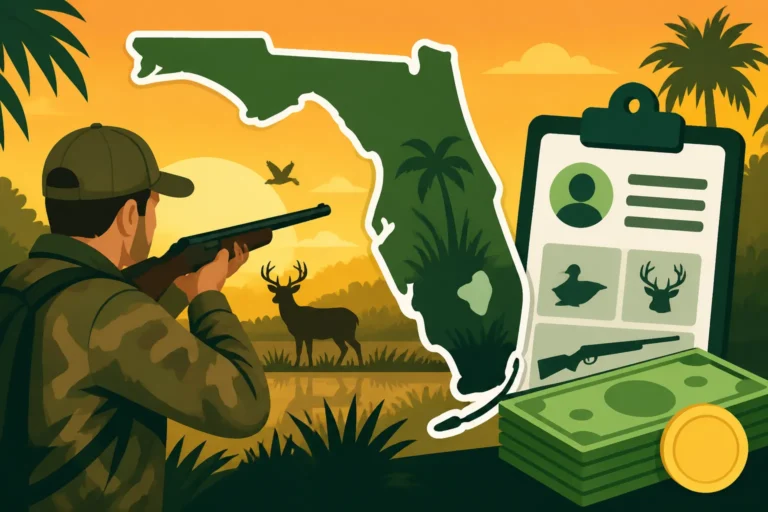
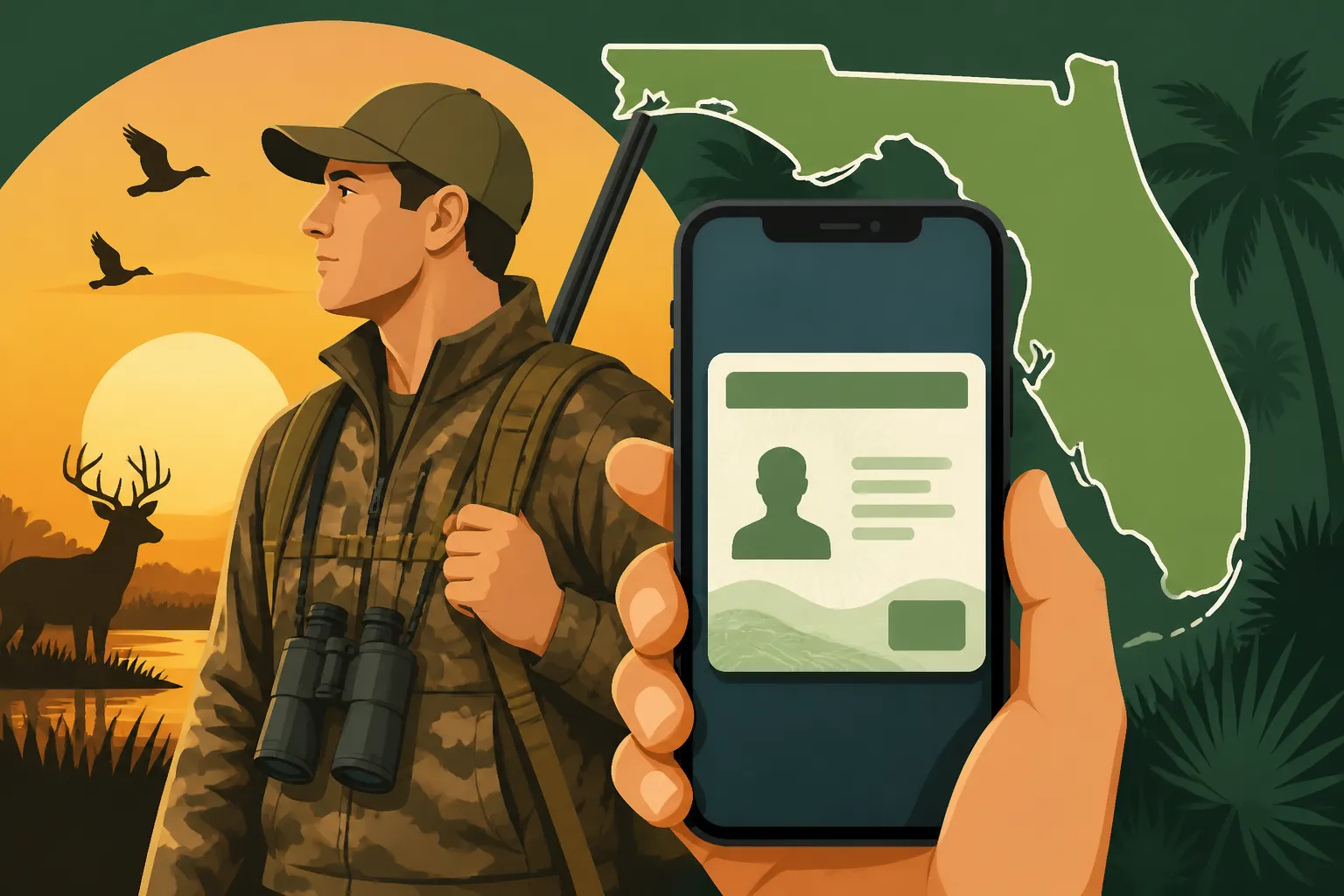
Florida law states that hunters must have their license and any required permits in their possession while hunting. This possession can be either physical or electronic. The FWC generally accepts a clear, legible display of your current hunting license and any necessary permits on a smartphone or other electronic device. This is a huge relief for many of us who’ve accidentally left a wallet in the truck or found a paper license reduced to pulp after an unexpected rain shower.
What's important is that the electronic display must clearly show all the critical information: your name, your customer ID number, the type of license or permit, and the valid dates. A simple screenshot often suffices, as long as it's clear and current. The convenience factor here is massive; instead of worrying about misplacing a physical card, you can have your entire suite of documents, from your base license to your Florida WMA Management Area Permit and even your migratory bird certification, all accessible in one place. Just remember that it needs to be your license – you can't show a picture of someone else's.
Common Misconceptions and Concerns
Even with the FWC's acceptance of digital proof, a lot of hunters have lingering worries. The most common concern, and a totally valid one, is what happens if your phone battery dies or you lose signal deep in the backcountry. Florida's vast public lands, like sections of the Ocala National Forest Hunting or the remote corners of the Everglades, are notorious for spotty service. It’s easy to imagine being miles from a charging port, out of cell range, and facing an officer with a dead phone.
Another misconception is that you must use a specific app or digital wallet function. While there are excellent apps like GoHunt that can help organize your licenses and even provide mapping and scouting tools, a simple photo in your phone’s gallery is perfectly acceptable according to FWC rules. The key is accessibility and clarity, not a proprietary application. Some folks also worry about the security of their personal information on a phone, but typically an officer only needs to see the license details, not necessarily access your entire device.
Practicality in the Field: Phone or Paper?
Deciding whether to rely solely on your phone or still carry a paper backup often comes down to personal preference and the specific hunting conditions you expect. Both options have their merits and drawbacks in the diverse and often challenging Florida environment.
The Pros of Going Digital
Let's be honest, carrying your license on your phone is incredibly convenient. Most of us already have our phones with us at all times, making it one less item to remember. No more frantic searches through pockets or packs at a check station or when an officer approaches. It streamlines your gear, especially if you're trying to pack light for a long stalk. For hunters traveling from out of state, storing your Florida Nonresident License Options digitally alongside your travel documents can simplify things immensely.
Beyond just the license itself, many digital hunting apps, including excellent options like GoHunt, allow you to store all your essential hunting information in one place. This can include your hunter safety certification, specific quota hunt permits, or even details about your vehicle registration if you're accessing certain areas. It truly turns your phone into a central hub for your entire hunting experience, often integrating features like GPS mapping for scouting Florida public land before season and recording your harvest.
The Cons and Contingencies
While convenient, relying solely on your phone isn't without its risks. Florida weather is notoriously unpredictable. A sudden downpour can quickly turn an unprotected phone into a very expensive paperweight. While many newer phones are water-resistant, "resistant" doesn't mean "proof" in a full Florida deluge or if it takes a dip in a swamp. Battery life is another critical factor. A long day of hunting, especially if you're using your phone for GPS, camera, or communication, can drain your battery faster than expected. Imagine being asked for your license at sundown, only to find your screen dark.
To counter these downsides, contingencies are crucial. Always carry a portable power bank, especially for longer hunts or if you're hunting the Zone B rut in November when days are shorter but you might be out longer. A waterproof phone case is practically a necessity in Florida, not just for rain but for accidental drops into muddy puddles or creek crossings. Even a simple Ziploc bag can offer a surprising amount of protection in a pinch. Finally, consider the environment. If you're heading deep into a remote WMA like the Green Swamp Wilderness Preserve Hunting where cell service is non-existent, a paper backup might still be your safest bet.
Ensuring Your Digital Proof Is Always Accessible
The beauty of digital proof is its accessibility, but that only holds true if you plan for the inevitable challenges that come with electronic devices in the outdoors. A little preparation goes a long way in avoiding a headache with a FWC officer.
Best Practices for Hunters
To make sure your digital license is always ready for inspection, adopt a few simple habits. First, always take a clear screenshot of your current license and any permits. Save these screenshots in a dedicated folder or album on your phone that's easy to access, even without an internet connection. Better yet, email them to yourself and save them to a cloud service as another backup. This way, if you accidentally delete them or your phone malfunctions, you have another recovery option.
Secondly, a fully charged phone is non-negotiable. Get into the routine of charging your device every night before a hunt. As mentioned, a portable battery pack is a lifesaaving accessory, allowing you to top off your phone's charge throughout the day. Investing in a robust, waterproof, and shockproof phone case is also highly recommended. Brands like OtterBox or LifeProof offer excellent protection against the elements and accidental drops, which are all too common when you’re climbing into a treestand or navigating thick palmetto scrub. Think of it as essential gear, just like your hunting boots or binoculars.
What to Do in a "No Signal" Scenario
Florida's wild places offer incredible hunting opportunities, but they also remind us of our reliance on technology. Many prime hunting spots, particularly in areas like the Apalachicola National Forest or parts of the Big Cypress National Preserve Hunting, have little to no cell service. This is where your preparedness truly shines.
The FWC recognizes that cell service can be spotty. As long as you can pull up the saved image of your license on your screen, you’re usually good. This is why a screenshot stored directly on your device, rather than relying on an app that needs to connect to a database, is so critical. Before you head out, specifically test pulling up your license with your phone in airplane mode or with Wi-Fi and data turned off. If you can see it then, you’re prepared for a no-signal zone. If you're using an app like GoHunt, make sure it has an offline mode for license display and map viewing. This foresight can prevent a minor inconvenience from turning into a potential citation.
Integrating Digital Licenses with Planning and Scouting
Your phone isn't just for showing your license; it's a powerful tool that can revolutionize your entire hunting experience, especially here in Florida. From preseason scouting to in-field navigation, integrating your digital license with other hunting apps makes for a truly modern approach.
Using Hunting Apps for More Than Just Licenses
Modern hunting apps have evolved far beyond simple license storage. Applications like GoHunt provide comprehensive mapping features that can show property lines, public land boundaries, and topographical details, invaluable for Scouting Florida Public Land Before Season. You can mark waypoints for treestand locations, game camera sites, or even track deer movement in sandy Florida soil. These apps often include regulations specific to different zones or WMAs, helping you stay informed about Florida's Four Deer Management Zones Explained or specific bag limits.
Imagine being able to pull up your digital license, then seamlessly switch to an aerial map to pinpoint that funnel between two palmetto heads you scouted earlier. This level of integration simplifies your planning and execution, allowing you to focus more on the hunt itself and less on juggling multiple physical documents or tools. Many even offer weather overlays, crucial for understanding wind and thermals in flat Florida terrain, which can make or break a hunt.
The Nonresident Hunter's Digital Toolkit
For those traveling to Florida for a hunting adventure, perhaps chasing an Osceola Turkey in Palmetto Scrub or trying to complete a Turkey Grand Slam With an Osceola, a digital approach is particularly beneficial. Nonresidents already have a lot of logistics to manage: travel, accommodation, and understanding Florida's unique hunting regulations. Having your Florida Nonresident License Options and permits digitally accessible on your phone can significantly reduce the mental load.
Many nonresident hunters book guided trips, like Booking a Guided Osceola Turkey Hunt or Booking a Guided Florida Deer Hunt. In these scenarios, outfitters often provide pre-trip information that can be easily stored on your phone alongside your license. It creates a centralized information hub, ensuring you have all your necessary documents and trip details at your fingertips. Just remember, while your phone is a great tool, it’s still wise to familiarize yourself with the physical requirements for specific tags, like Florida CITES Tag Requirements for alligators, which might still involve a physical tag needing to be attached.
The Future of Digital Proof
As technology continues to advance, we can expect even more seamless integration of hunting licenses and permits into our digital lives. Perhaps even NFC (Near Field Communication) capabilities will allow FWC officers to simply tap your phone to verify your credentials without needing to even look at your screen. For now, the current system offers a fantastic balance of convenience and compliance, making your Florida hunting experience a little less about paperwork and a lot more about enjoying the wild.
| Aspect of Digital Proof | Recommendation | Why It Matters in Florida |
|---|---|---|
| Legality | Use current, clear screenshots/app. | FWC accepts digital proof, but it must be legible and accurate. |
| Battery Life | Carry a portable charger. | Long days and app usage drain batteries quickly in the field. |
| Water Protection | Use a waterproof phone case. | Florida's weather is unpredictable; protecting your device is key. |
| Connectivity | Save proofs offline (screenshots). | Many hunting areas have no cell service; rely on locally stored files. |
| Backup Plan | Consider a paper backup for remote hunts. | Provides peace of mind if digital fails, especially in true wilderness. |
| Organization | Use a dedicated folder or app (GoHunt). | Keeps all hunting documents easily accessible and organized. |
Disclaimer
The information provided in this guide is intended for informational purposes only and is not a substitute for official regulations. Hunters are always responsible for knowing and abiding by all current Florida Fish and Wildlife Conservation Commission (FWC) rules and regulations. Always consult the most recent FWC hunting regulations handbook or website before heading afield.