Reporting a Deer Through Florida’s App
Hunting in Florida is an incredible experience, but let's be honest, sometimes the regulations can feel like a tangled web, especially when it comes to the administrative stuff like reporting your harvest. You've just celebrated a successful hunt, and the last thing you want to do is scramble to figure out the technicalities. This guide is here to untangle that, walking you through exactly how to report your deer through Florida's convenient FWC Fish/Hunt App, ensuring you stay legal and contribute to vital wildlife management.
Why Deer Reporting Matters in Florida
You might think that once you've tagged your deer, your responsibilities are over. But for Florida hunters, reporting your harvest is a crucial final step, one that goes far beyond just ticking a box. It's a fundamental part of responsible wildlife management and a direct legal obligation for anyone who successfully takes a deer in the Sunshine State. Understanding why this matters can actually make the process feel less like a chore and more like a contribution.
The Importance of Accurate Harvest Data
Every deer reported through the FWC app feeds into a massive database that the Florida Fish and Wildlife Conservation Commission (FWC) uses to make informed decisions about deer populations and hunting seasons. Think of it this way: without accurate data from hunters like us, the FWC would be flying blind. They rely on these numbers to estimate the Florida Deer Population Estimate across various regions and to understand harvest trends year over year.
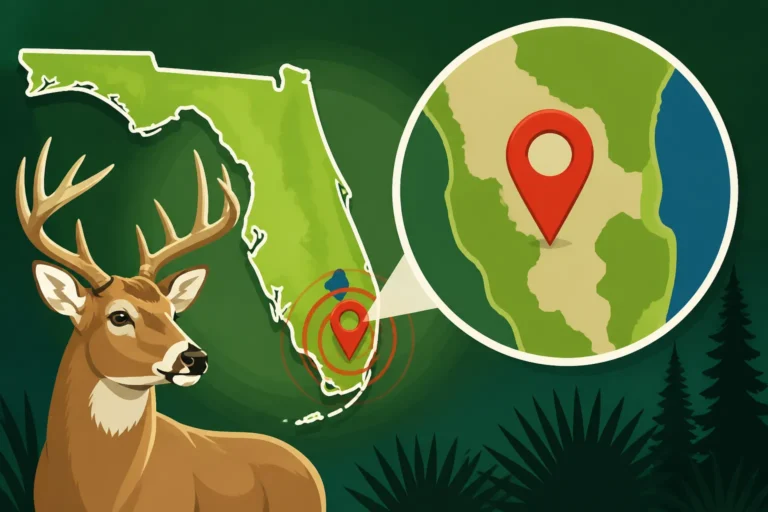
This data helps them monitor herd health, assess buck-to-doe ratios, and even identify potential issues like the spread of disease. For instance, knowing where deer are being harvested helps them track the movements and density of populations, which becomes especially critical when managing concerns like Florida's Single Confirmed CWD Case in Holmes County. These reports are also vital for determining how successful hunting seasons have been in different Florida's Four Deer Management Zones Explained, allowing them to adjust future bag limits, season dates, and even special opportunities like antlerless deer permits. So, every time you take a few minutes to report your deer, you're directly contributing to the future of deer hunting in Florida.
Legal Obligations for Florida Hunters
Beyond the ecological benefits, reporting your deer is simply the law. Florida regulations clearly state that all hunters who harvest a deer must report it to the FWC within 24 hours of the harvest. This isn't an optional suggestion; it's a mandatory requirement. Failing to report a deer can lead to fines and other penalties, which could put a real damper on your hunting privileges. Imagine having a perfect hunt, only to get a citation because you forgot this one crucial step.
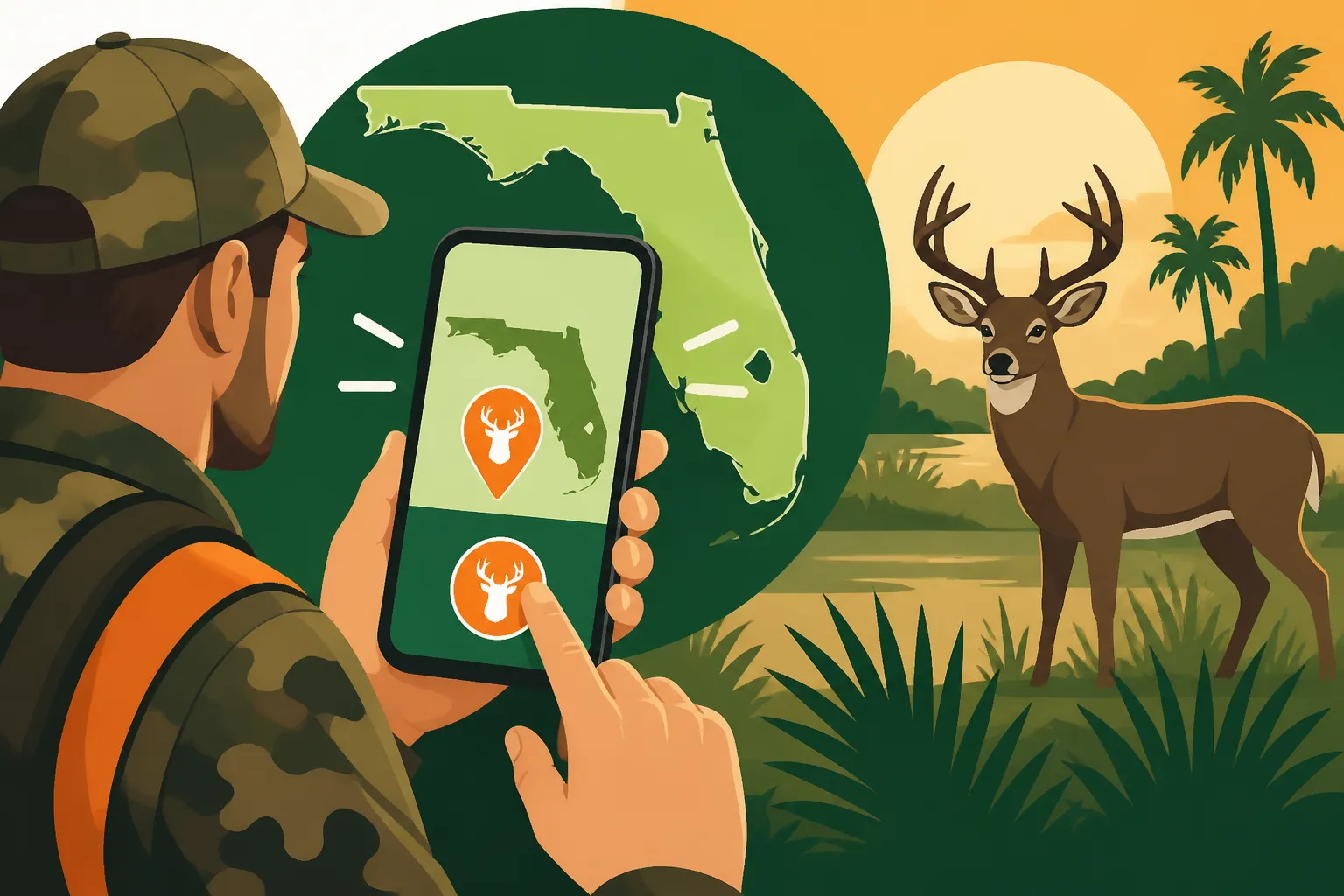
The FWC provides the mobile app as the primary, most convenient way to fulfill this obligation. Gone are the days of needing to find a check station or call in your harvest. The app puts the reporting mechanism right in your pocket, making it accessible even from remote hunting camps. This streamlined approach means there's really no excuse for not reporting. Before you even head out for the season, it's a good idea to familiarize yourself with Florida Deer Reporting Requirements and ensure your app is ready to go.
Getting Started with Florida's Deer Reporting App
Before you can even think about punching in your harvest details, you need to get the FWC Fish/Hunt App on your phone and set up your hunter profile. It's a straightforward process, but getting it done before you're standing over a deer, muddy and excited, will save you a lot of headache. Trust me, trying to download an app with spotty cell service and adrenaline pumping isn't ideal.
Downloading and Installing the FWC Fish/Hunt App
The official app you're looking for is called "FWC Fish/Hunt Florida." It's available for both iOS (Apple App Store) and Android (Google Play Store) devices. Just open your device's app store and search for "FWC Fish/Hunt Florida." Make sure you're downloading the official app from the Florida Fish and Wildlife Conservation Commission, as there are other hunting and fishing apps out there.
Once you find it, hit that download button. The app is free, and it's a relatively small file, so it shouldn't take too long to install, even on a slower connection. Installing it at home, with good Wi-Fi, is always the smartest move. This app isn't just for deer reporting; it's a comprehensive tool for all Florida hunters and anglers, allowing you to carry your licenses digitally, find regulations, and even act as a scouting tool if you're exploring new public lands. Some hunters, myself included, will often cross-reference information found on the FWC app with other mapping and data resources like GoHunt, which can provide even deeper insights into terrain and historical activity before a hunt.
Setting Up Your Hunter Profile
After the app is installed, the next step is to set up your hunter profile. When you open the app for the first time, it will prompt you to create an account or log in if you already have one. You'll typically use your FWC customer ID, which is often printed on your hunting license. If you don't know it, the app usually has a way to retrieve it using your date of birth and last name.
Once logged in, you'll want to ensure your current Florida hunting licenses are linked and visible within the app. This is crucial because the app validates your legal hunting status before you can report a harvest. It acts as your digital wallet for licenses, which is incredibly convenient. No more fumbling for a crumpled paper license or worrying about losing it in the field. Having your profile fully set up and your licenses squared away long before opening day will make reporting a smooth, painless process when the time comes. This preparation is part of being a responsible hunter, just like knowing the specific Florida Hunter Education Requirements before you ever step into the woods.
Step-by-Step Guide to Reporting Your Deer Harvest
Okay, you've had a successful hunt. The deer is down, tagged, and the adrenaline is starting to subside. Now it's time to make that official report. The FWC Fish/Hunt app makes this process quite user-friendly, guiding you through each necessary step.
Initiating a New Harvest Report
Once you've secured your deer and immediately affixed your deer tag (this is a critical step that cannot wait until you're home or have reported it), open the FWC Fish/Hunt app on your smartphone. Look for a section related to "Harvest Reporting" or "Report a Kill." The interface is designed to be intuitive, so it shouldn't be hard to find. You'll likely see options for different species; select "Deer" to begin your report.
The app will often automatically pull some information, such as the current date and time, but you'll need to confirm or adjust these to reflect the exact time and date of your harvest. Pay close attention here. This initial step is about getting the basic logistical details right. Some hunters find it helpful to snap a quick photo of their deer alongside their watch or a landmark, just to verify the time and location for their own records, especially if they're in an area with inconsistent cell service. Even if you're using other applications like GoHunt to mark your kill location, the FWC app is the official channel for reporting.
Entering Deer-Specific Information
This is where you'll provide the specific details about the deer you've harvested. The FWC app will prompt you for several key pieces of information, typically including:
- Sex of the deer: Buck or Doe.
- Antler points (for bucks): You'll need to count the points if it's a buck. Only points that are at least one inch long should be counted.
- County of harvest: Select the specific county where the deer was taken.
- Type of land: Indicate whether it was harvested on private land, a Wildlife Management Area (WMA), or other public land. If it was a WMA, you'll often need to specify which one. Remember that different WMAs have different rules and often require a Florida WMA Management Area Permit.
- Weapon used: Specify the type of weapon you used (e.g., rifle, shotgun, muzzleloader, archery, crossbow). This helps the FWC analyze harvest methods and their impact on deer populations, feeding into broader trends seen in Florida Deer Harvest Records.
Take your time entering this information. Accuracy here is paramount. Double-check your entries before moving on. It’s not just about compliance; it’s about providing the FWC with reliable data to manage Florida's valuable deer resource responsibly. Imagine the collective impact if thousands of hunters meticulously entered their harvest details – that’s how robust wildlife management truly happens.
Confirming and Submitting Your Report
Once you've filled in all the required fields, the app will usually present a summary screen for you to review everything one last time. This is your final chance to catch any mistakes before the report is submitted. Read through each detail: date, time, sex, antler points, county, land type, and weapon.
After confirming everything looks correct, hit the "Submit" or "Report Harvest" button. The app will then process your report. If you have cell service, it should go through almost immediately, and you'll typically receive a confirmation number or message within the app itself. It's a good idea to screenshot or write down this confirmation number for your records. This number is your proof that you fulfilled your legal obligation. If for some reason the app seems stuck or gives an error, make a note of it and try to find better service, or use one of the alternative reporting methods (which we'll cover next) as soon as possible, keeping the Florida Deer Reporting Deadline in mind. The smooth functionality of the FWC app often surprises those accustomed to clunkier state government portals; it's genuinely designed with the hunter in mind to make this process as easy as possible.
Common Questions and Troubleshooting for Deer Reporting
Even with the best intentions and a user-friendly app, things can sometimes go sideways. From spotty cell service in remote areas to simply making a mistake under pressure, there are a few common issues hunters face when reporting their deer. Knowing how to handle these situations can save you a lot of worry and keep you in compliance with FWC regulations.
What If You Don't Have Cell Service?
This is perhaps the most common challenge for hunters, especially those who prefer to hunt deeper in Florida's vast public lands or wilderness areas like the Ocala National Forest. You've just harvested a deer, tagged it, and go to report, only to find you have no signal. It's a frustrating situation, but it's not a legal dead end.
The FWC understands that cell service isn't universal. The key is the 24-hour reporting window. If you're in an area without service, you are still required to report your deer within that timeframe once you do get service. This means you should:
- Tag the deer immediately: This is non-negotiable, regardless of cell service.
- Make note of all required harvest information: Write down the date, time, sex, antler points, county, land type, and weapon. You can use your phone's notepad, a physical notepad, or even the note-taking feature within an app like GoHunt which often works offline.
- Head to an area with service: As soon as you can, drive to a location where you can get a signal. This might be the closest town, a main road, or even just a specific ridge on your way out.
- Report via the app: Once you have service, open the FWC Fish/Hunt App and submit your report.
If you somehow cannot get the app to work, or the signal is too weak, remember you can also report online through the FWC website or by calling the toll-free harvest reporting number (1-800-I-HUNT-FL or 1-800-275-4868). While the app is the most convenient, these alternatives are crucial backups. The important thing is that the report is submitted within 24 hours of the harvest, even if the actual submission is delayed until you reach service. This is why it’s always smart to have a plan for how you’ll report, especially when you're Scouting With the Florida FWC App in areas that might be off the grid.
Correcting a Mistake or Missing a Deadline
Nobody's perfect, and sometimes mistakes happen. Maybe you accidentally selected the wrong county, or you miscounted antler points in the excitement of the moment. If you realize you've made an error on a submitted report, or if you completely missed the 24-hour Florida Deer Reporting Deadline, don't panic, but don't ignore it either.
For incorrect reports: Your first step should be to contact the FWC directly. There isn't typically an "edit" button for submitted reports within the app itself. You'll need to call your regional FWC office or the general FWC contact number. Explain the situation clearly, providing your confirmation number and the details of the correction needed. They are generally understanding and will help you rectify the error. Honesty and promptness are key here.
For missed deadlines: While the 24-hour rule is strict, if you have a legitimate reason for missing it (e.g., severe weather, remote location with unexpected extended lack of service, or a personal emergency), it's always best to report it as soon as humanly possible and then contact FWC to explain. It's far better to be proactive and explain the circumstances than to simply hope it goes unnoticed. The FWC is generally focused on data collection and compliance, not on penalizing honest mistakes, especially if you show good faith in attempting to correct the issue. Always remember that the integrity of the data, which ultimately helps manage Florida's Deer Disease Monitoring Program and overall herd health, relies on accurate and timely reporting from all hunters.
| Information Needed for Deer Reporting | Details Required |
|---|---|
| Harvest Date | Month, Day, Year of harvest |
| Harvest Time | Time of harvest (AM/PM) |
| Deer Sex | Buck or Doe |
| Antler Points (if Buck) | Number of points 1 inch or longer |
| County of Harvest | Specific Florida county |
| Land Type | Private Land, WMA, or Other Public Land (specify WMA if applicable) |
| Weapon Used | Rifle, Shotgun, Muzzleloader, Archery, Crossbow |
| Hunter ID / License Info | Automatically pulled from your profile |
Disclaimer
Please remember that hunting regulations can change. While this guide provides detailed information based on current FWC guidelines, it is always your responsibility to consult the most up-to-date Florida hunting regulations published by the FWC before each season. The FWC website and the official FWC Fish/Hunt App are the definitive sources for all legal requirements and updates.